Install and Automate Ookla Speedtest CLI on Ubuntu
Using the Ookla Speedtest CLI to perform speedtest
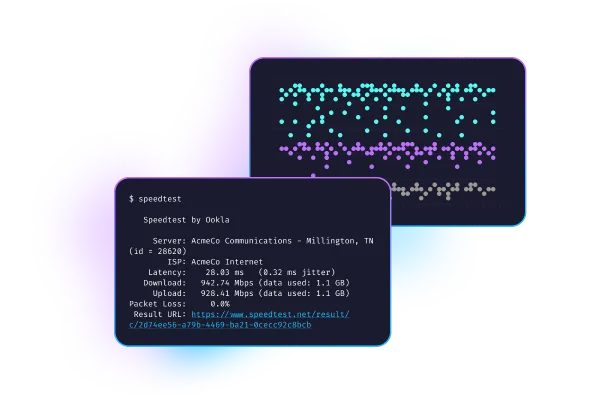
The Ookla Speedtest CLI lets you run the same speedtest.net benchmarks directly from your terminal. Perfect for servers or automated monitoring.
Install the Ookla CLI
For Ubuntu 24.x/25.x, the standalone binary is the easiest:
cd ~
curl -LO https://install.speedtest.net/app/cli/ookla-speedtest-1.2.0-linux-x86_64.tgz # See Note
tar xvf ookla-speedtest-*-linux-x86_64.tgz
sudo mv speedtest /usr/local/bin/
Note
- Download the version supported for your operating system.
- i386 https://install.speedtest.net/app/cli/ookla-speedtest-1.2.0-linux-i386.tgz
- x86_64 https://install.speedtest.net/app/cli/ookla-speedtest-1.2.0-linux-x86_64.tgz
- armel https://install.speedtest.net/app/cli/ookla-speedtest-1.2.0-linux-armel.tgz
- armhf https://install.speedtest.net/app/cli/ookla-speedtest-1.2.0-linux-armhf.tgz
- aarch64 https://install.speedtest.net/app/cli/ookla-speedtest-1.2.0-linux-aarch64.tgz
Run a Test
speedtestOn first run, type YES to accept the license. Sample output:
   Speedtest by Ookla

      Server: Spectrum - Durham, NC (id: 58326)
         ISP: Spectrum
    Latency: 15.01 ms
   Download: 935.55 Mbps
     Upload: 37.42 Mbps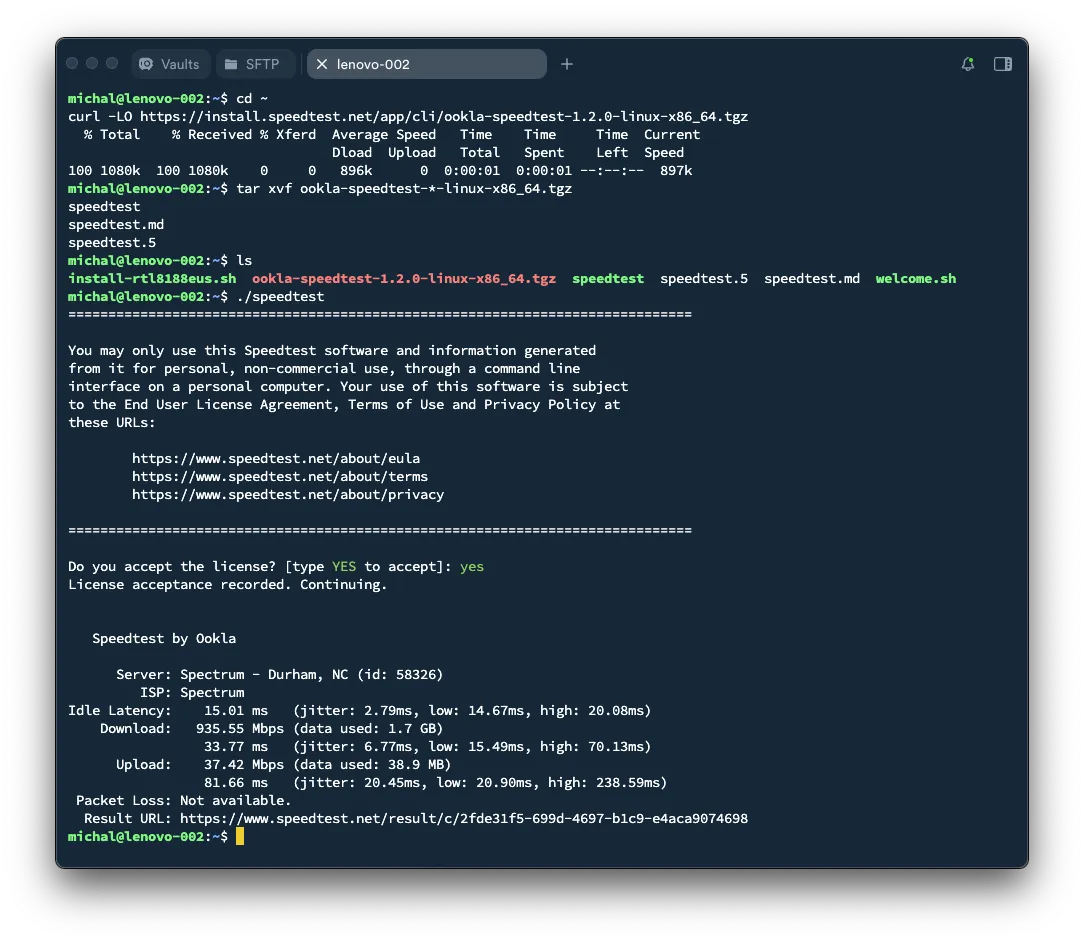
Automating with Cron
Create a script /usr/local/bin/log-speedtest.sh:
#!/bin/bash
timestamp=$(date '+%Y-%m-%d %H:%M:%S')
result=$(speedtest --accept-license --accept-gdpr --format=tsv)
echo "$timestamp  $result" >> /var/log/speedtest.log
Make it executable:
sudo chmod +x /usr/local/bin/log-speedtest.shAdd to cron:
sudo crontab -eExample (run daily at 8 AM):
0 8 * * * /usr/local/bin/log-speedtest.shView Logs
cat /var/log/speedtest.logConclusion
With the Ookla CLI, you can track and log your network performance automatically—without a browser.